
Storages#
The built-in production storage backend is the Learner Credential Wallet (LCWallet). Open edX also includes the openedx-wallet development wallet for debugging and onboarding. Additional wallets can be added through plugins - see Extensibility.
Learner Credential Wallet#
Learner Credential Wallet is an open source mobile wallet developed by the Digital Credentials Consortium, a network of leading international universities designing an open infrastructure for academic credentials.
Learner Credential Wallet (LCWallet) is a mobile app available for Android and iOS devices.
Usage prerequisites#
The LCWallet maintainer (Digital Credentials Consortium) requires the verifiable credentials issuer to be allow-listed (included in the trusted issuers list - community issuer registry).
Note
For development and testing, a Sandbox Registry is available. To be added to the Sandbox Registry, open a pull request directly against that repository and match the format of existing issuers in registry.json.
Learner experience#
Learners download and install the official application (Google Play or App Store; the Android version is used for examples below).
Once installed, there is an initial one-time setup guide.
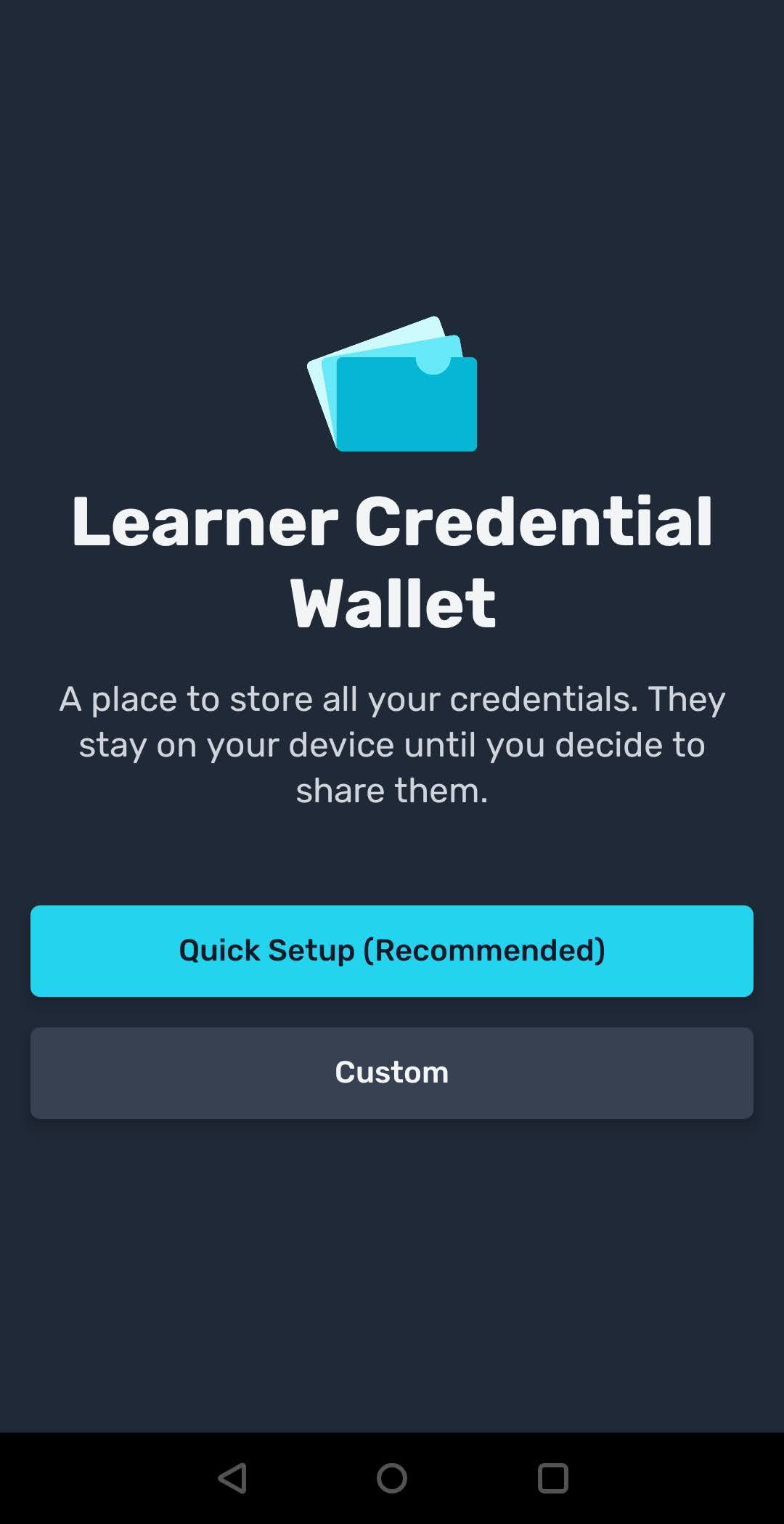
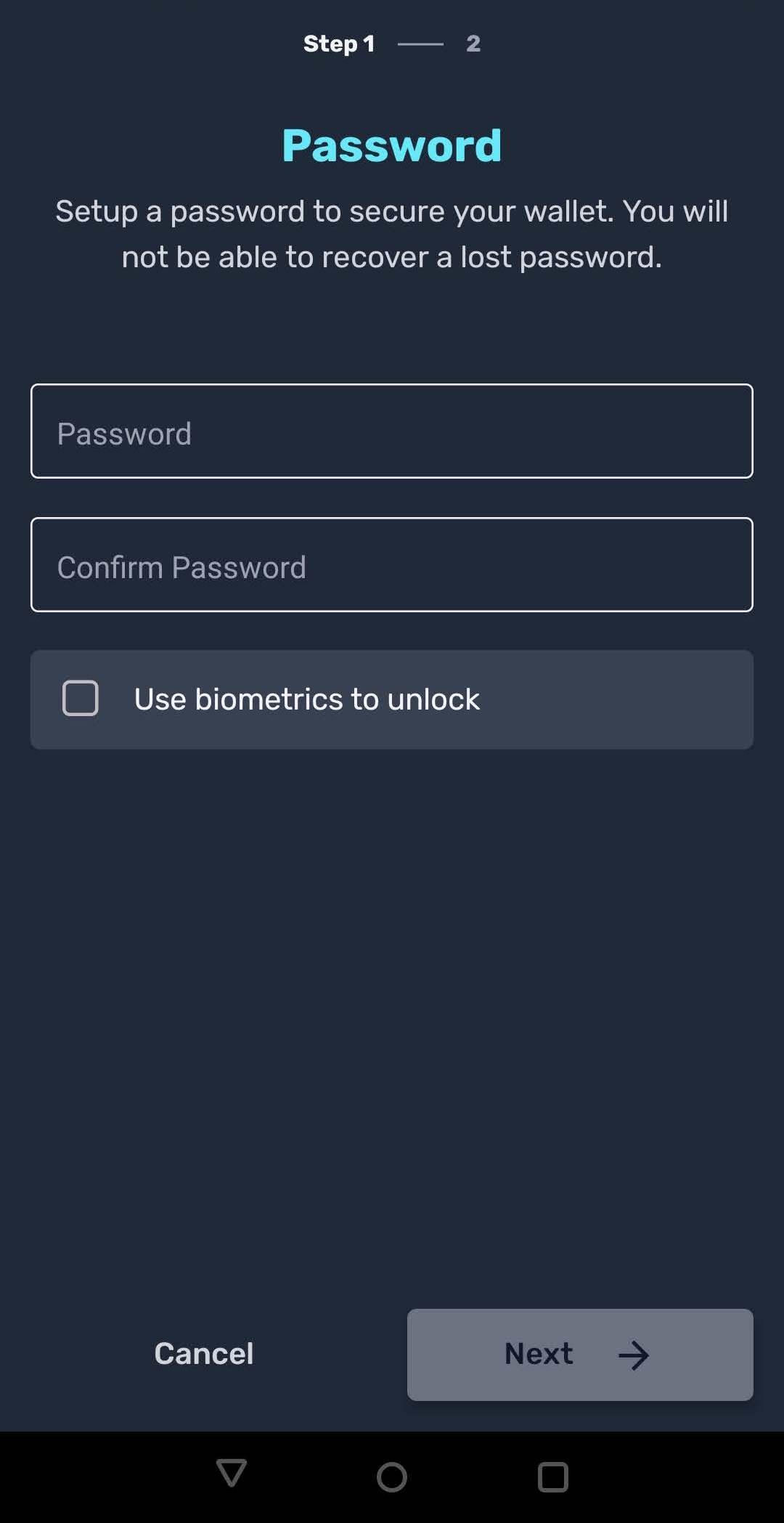
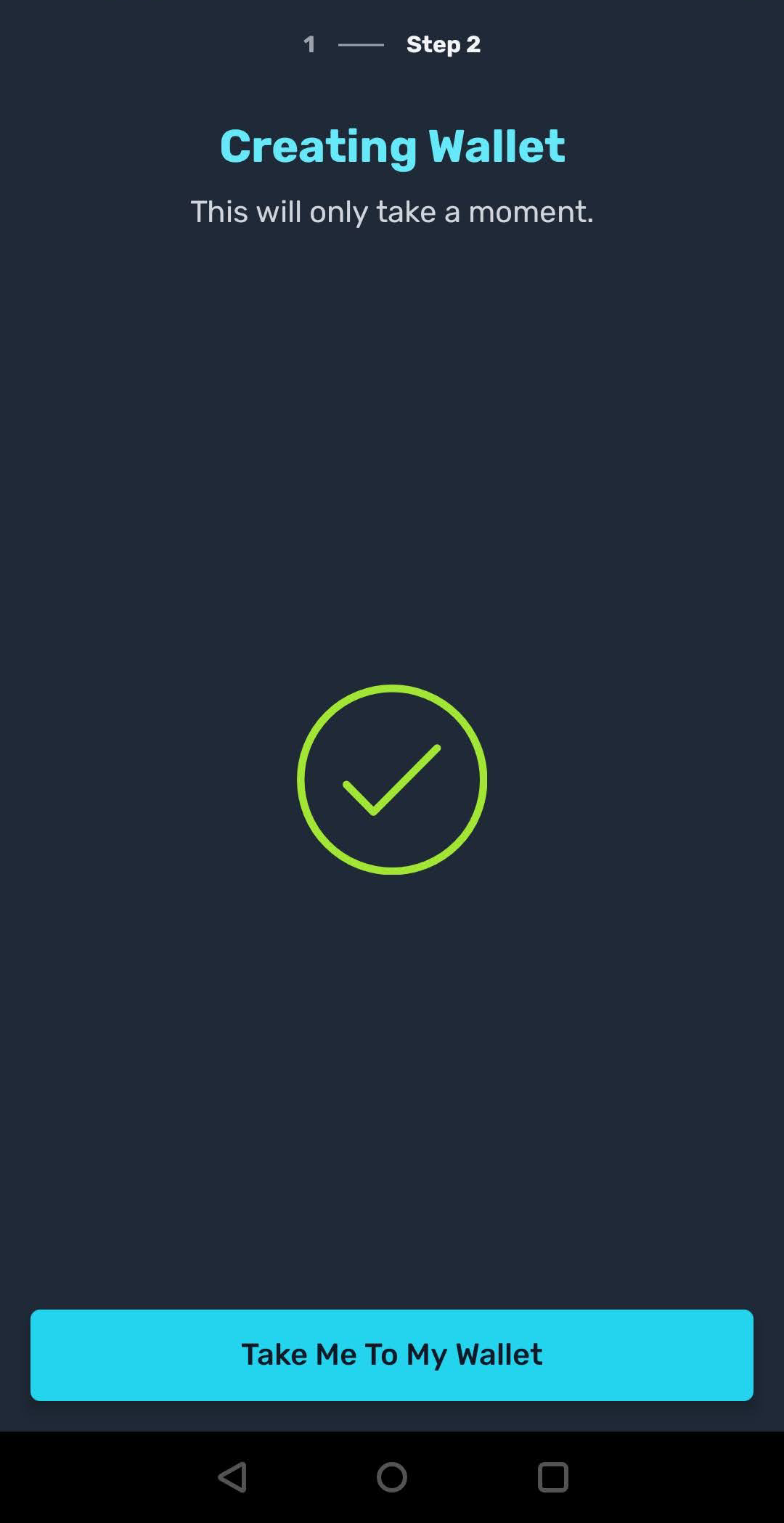
Learners navigate to the Learner Record MFE interface (Verifiable Credentials tab) and request a verifiable credential by clicking the Create button.
Learners are then asked to scan a QR code - this is where the LCWallet app starts its flow. Learners use the Scan QR code option in the mobile application.
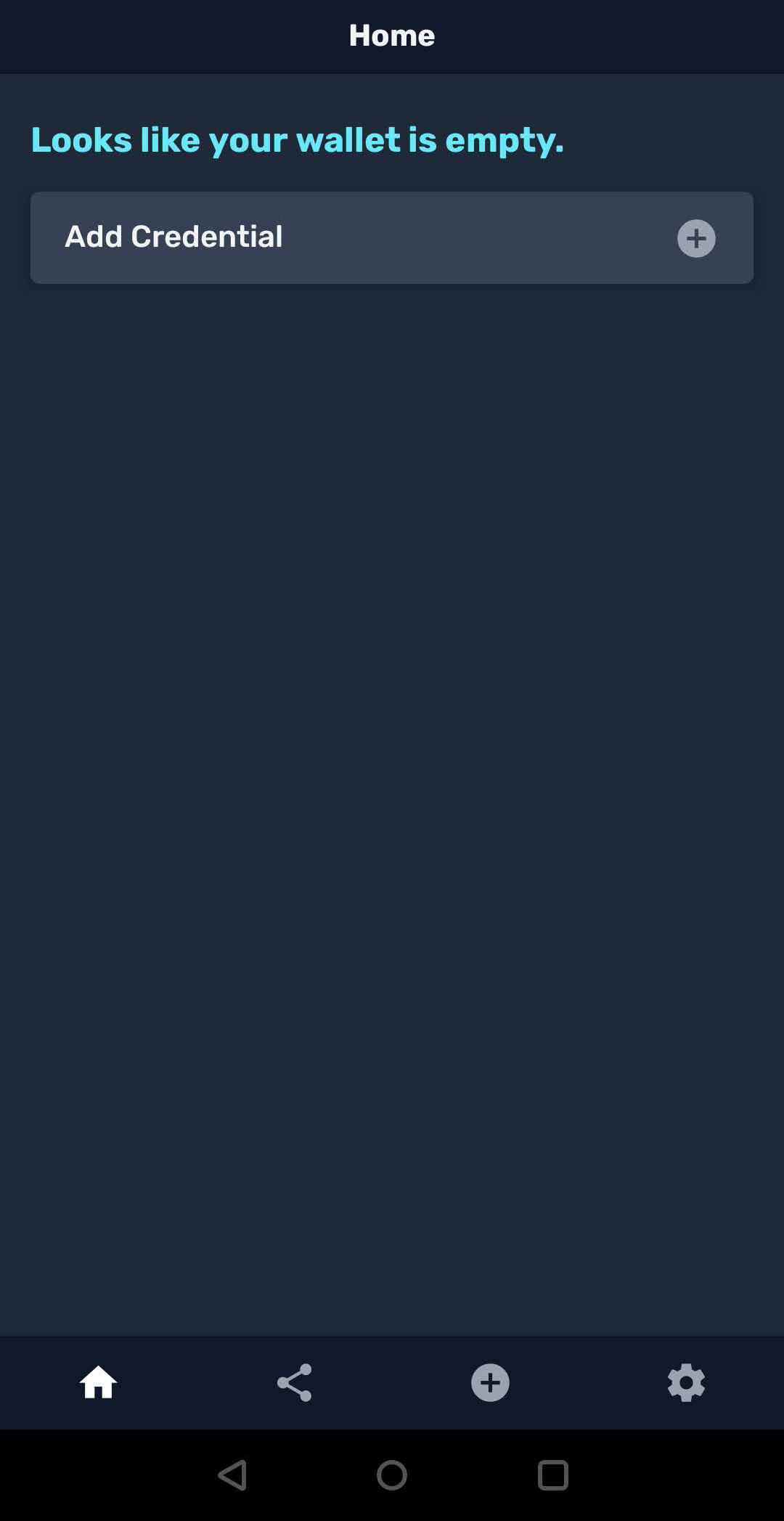
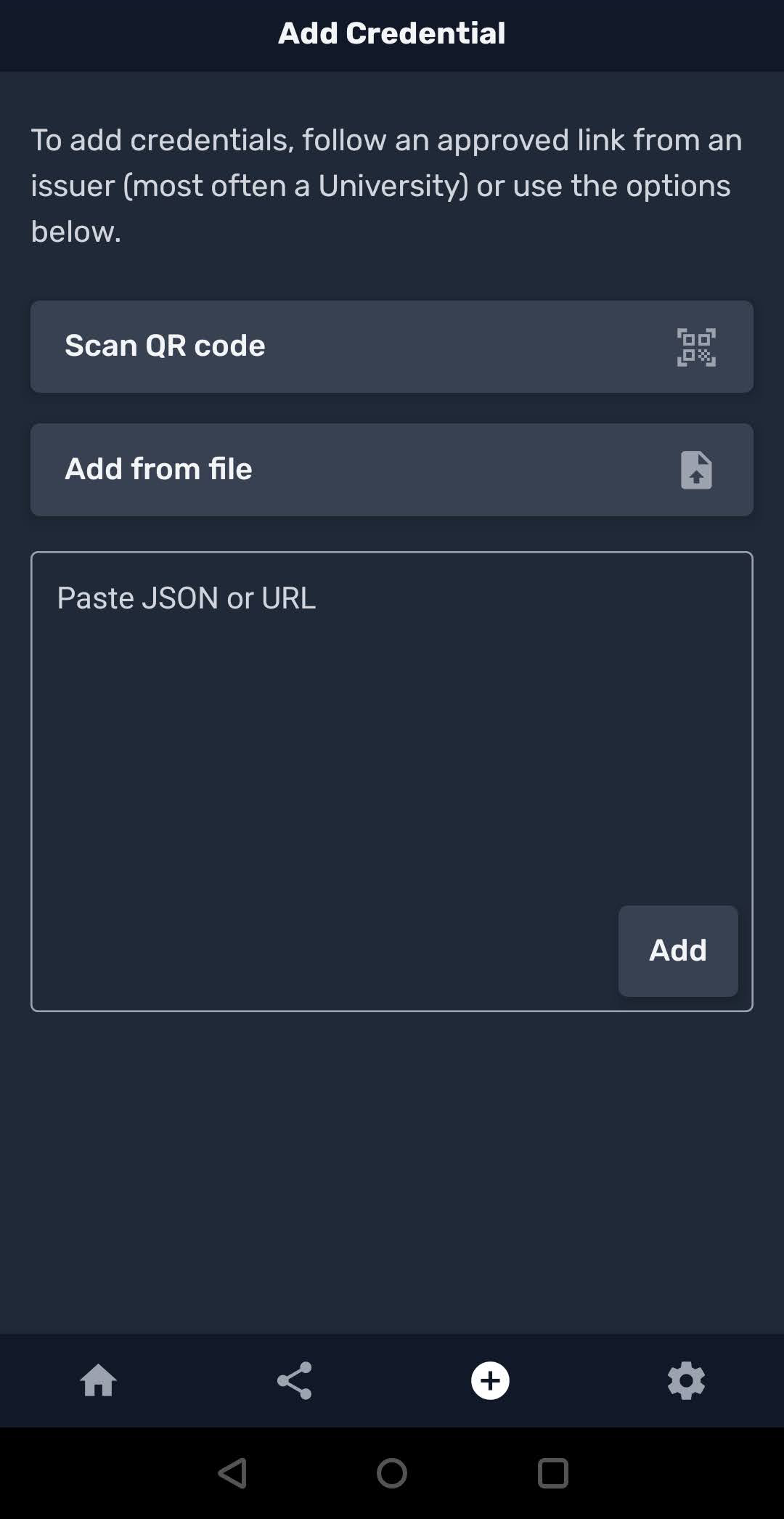
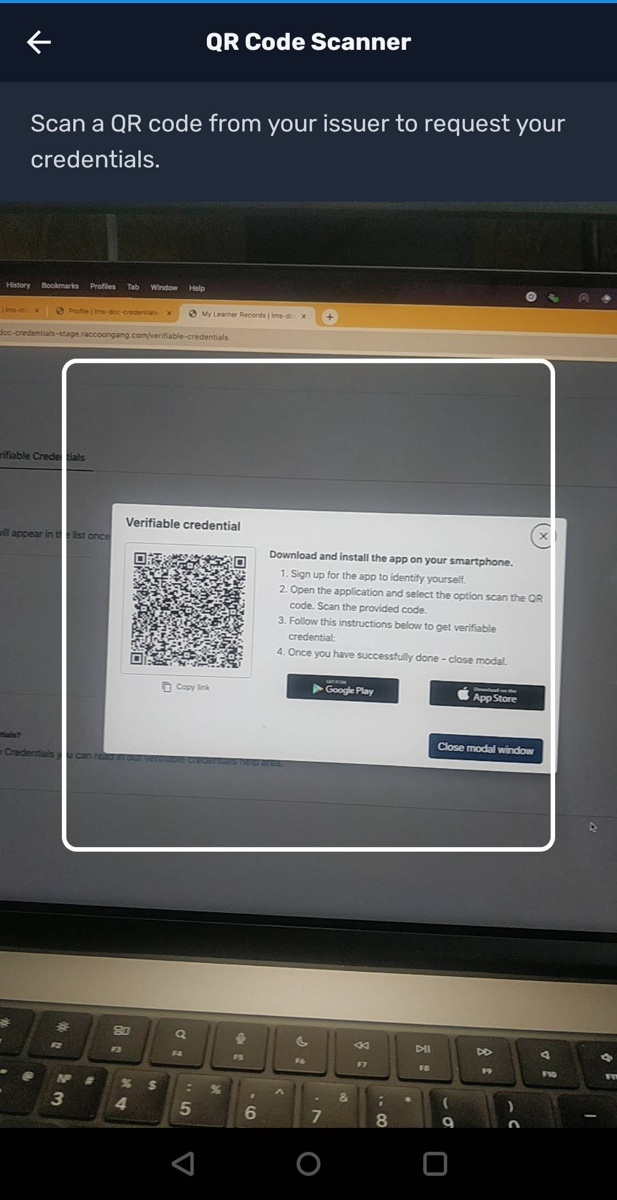
LCWallet processes the QR code, communicates with the Open edX platform, and retrieves the new verifiable credential. If everything is correct, the digital wallet now holds the verifiable credential for the given Open edX credential (course or program certificate).
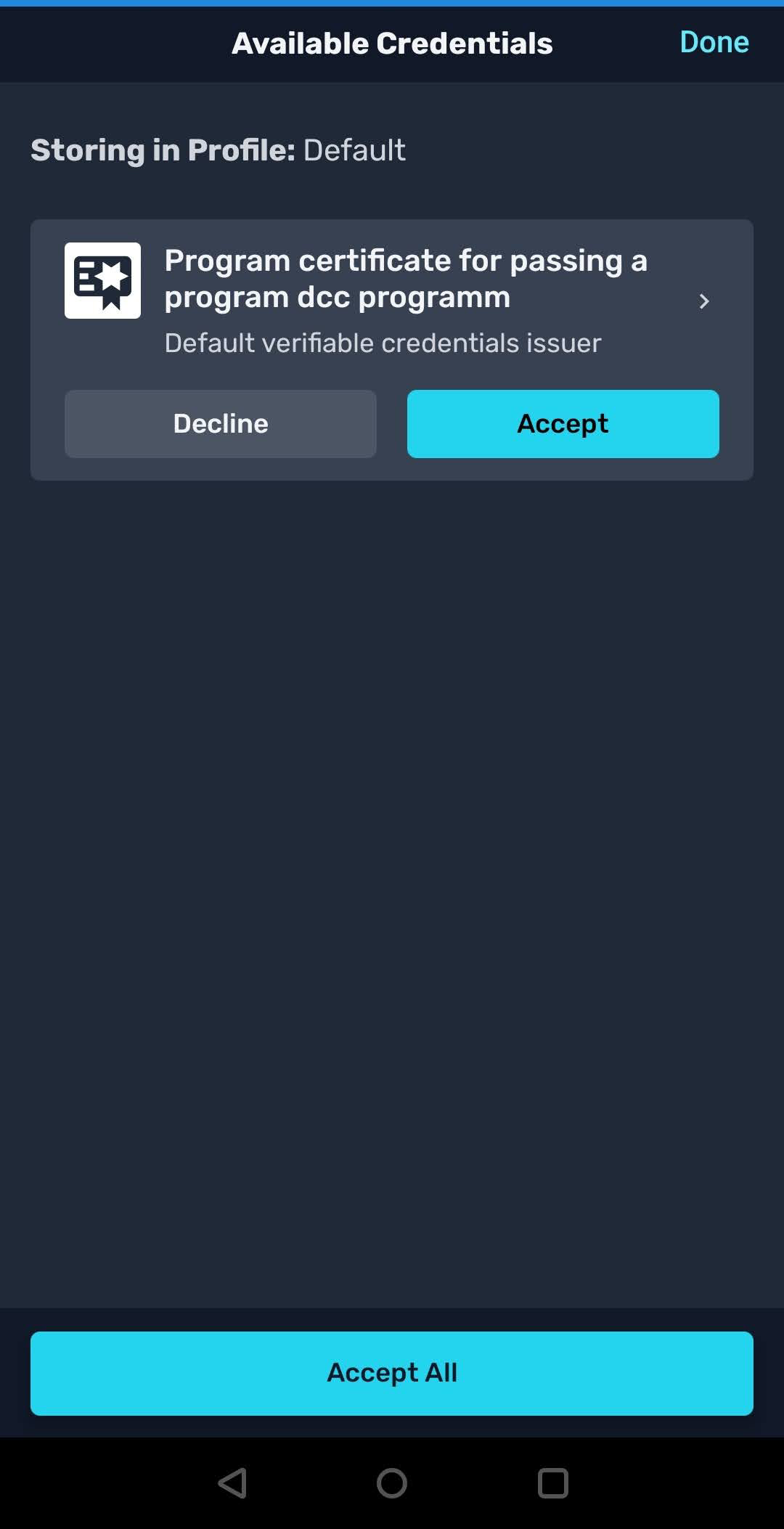
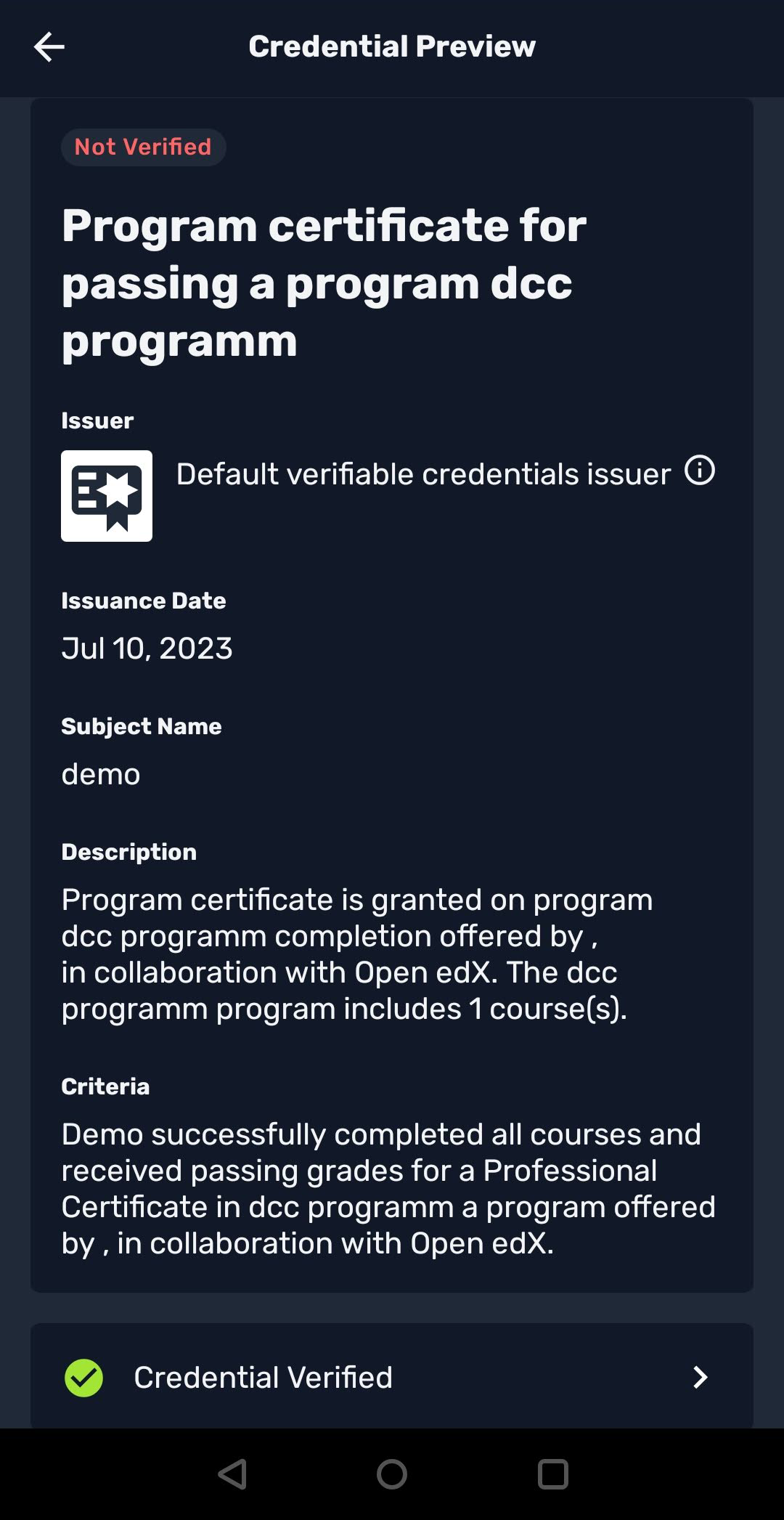
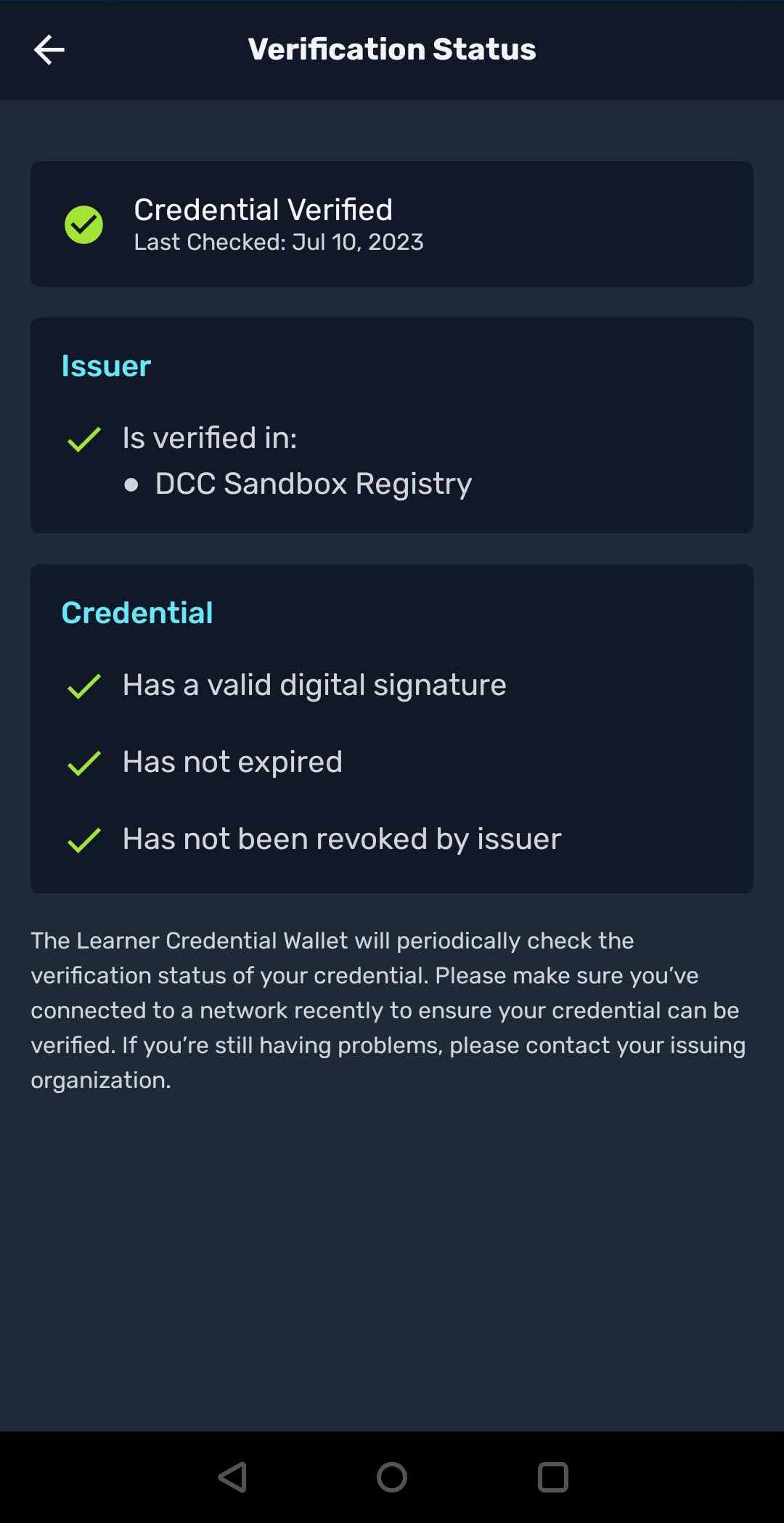
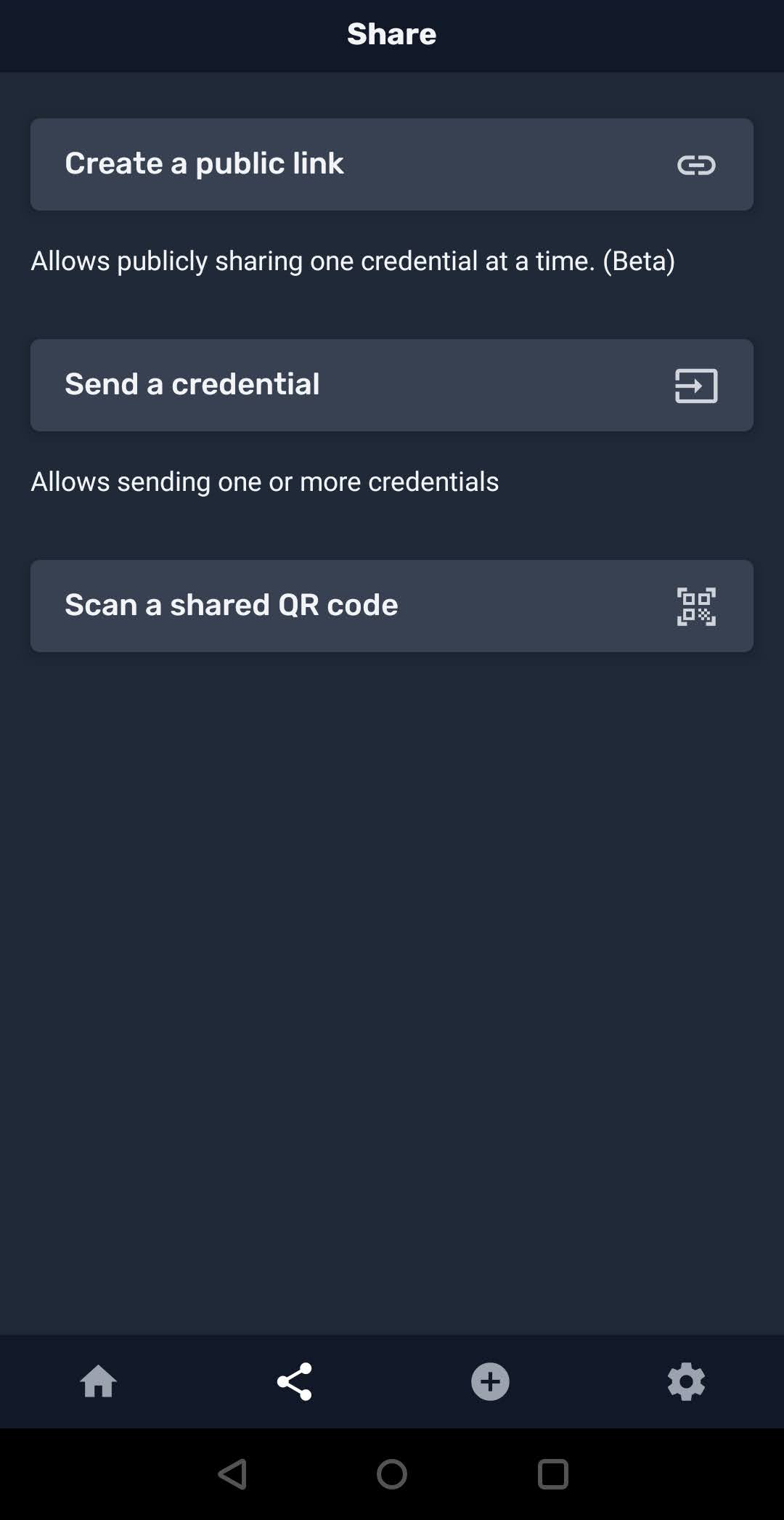
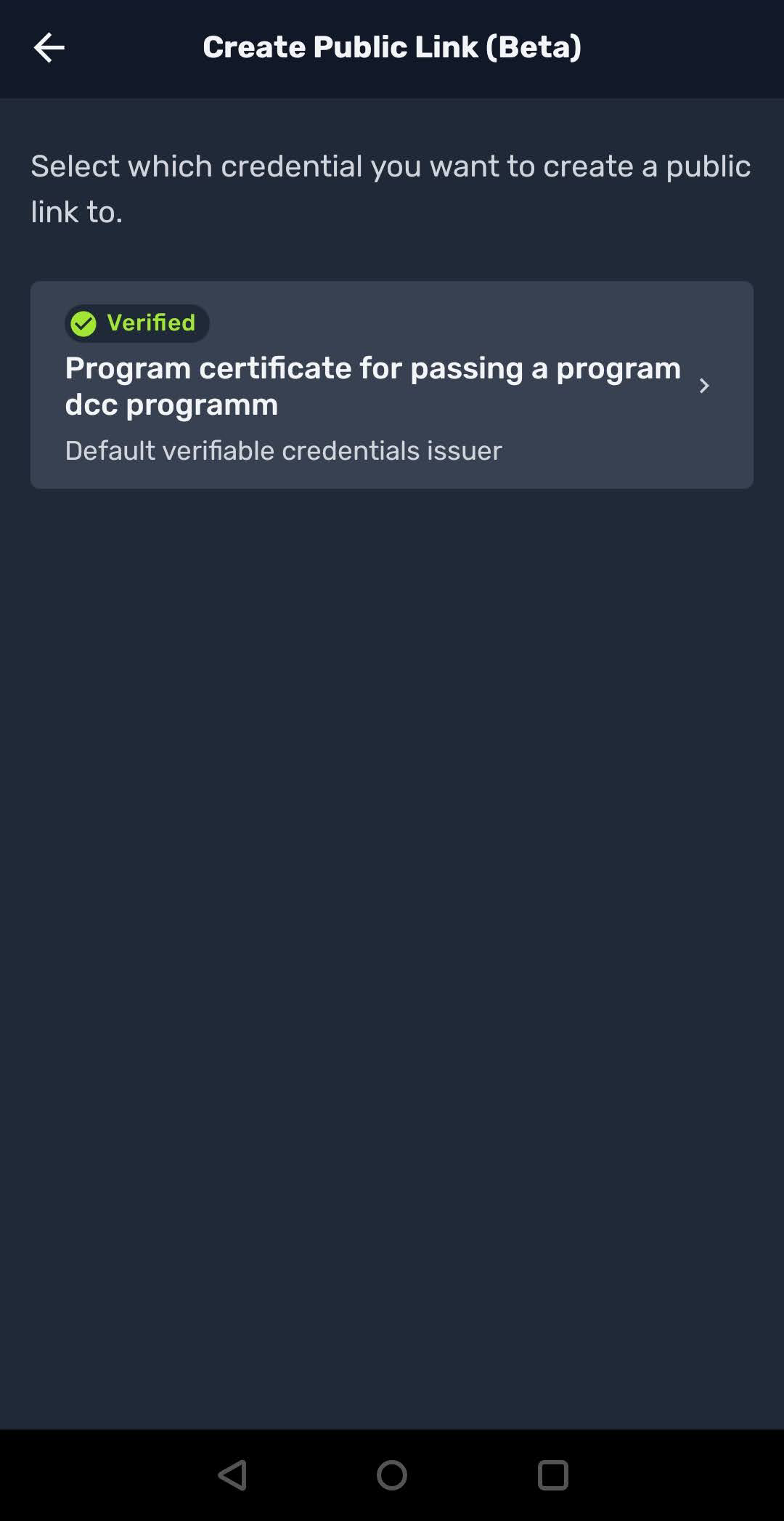
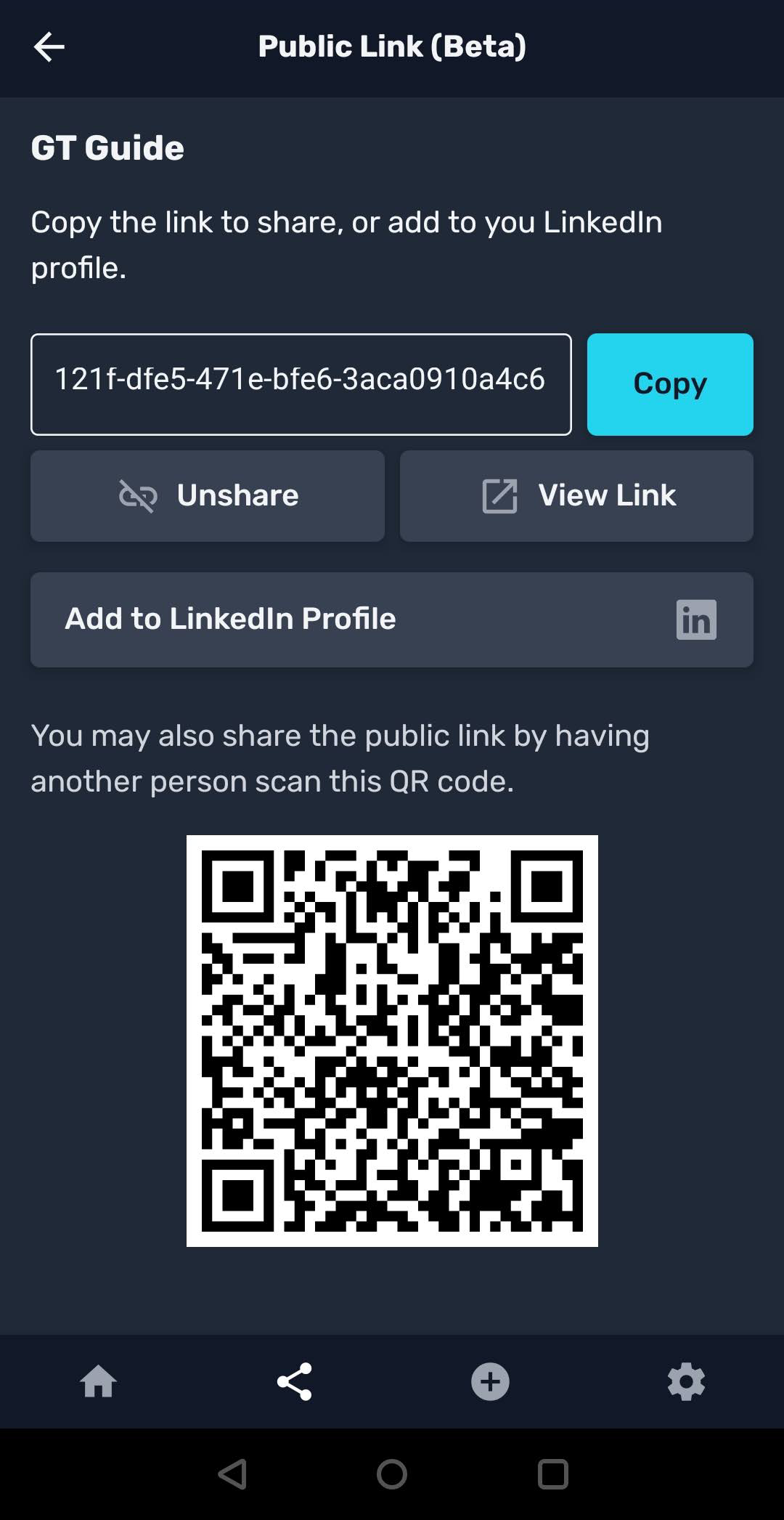
From this point, learners are free to share their achievements in different ways.
Deeplink protocol#
The LCWallet storage backend constructs deeplinks using the dccrequest://
scheme. The full deeplink format is:
dccrequest://request?issuer={id}&vc_request_url={url}&auth_type=bearer&challenge={uuid}&vp_version=1.1
The end-to-end flow works as follows.
The learner clicks Create in the Learner Record MFE.
The backend creates an
IssuanceLineand returns a deeplink URL and QR code.The learner scans the QR code or clicks the deeplink, which opens the wallet app.
The wallet constructs a Verifiable Presentation (VP) using the
challengeparameter as proof of authorization.The wallet POSTs the VP to
/credentials/issue/<uuid>/.The backend verifies the VP, signs the credential, and returns it to the wallet.
Note
The issuance endpoint accepts dual authentication: standard JWT/Session
auth or a Verifiable Presentation with
proofPurpose: "authentication" and a challenge matching the
IssuanceLine.uuid. The VP signature is verified via didkit.
Example verifiable presentation:
{
"@context": [
    "https://www.w3.org/2018/credentials/v1"
],
"type": [
    "VerifiablePresentation"
],
"verifiableCredential": [
    {
    "@context": [
        "https://www.w3.org/2018/credentials/v1",
        "https://w3id.org/security/suites/ed25519-2020/v1",
        "https://w3id.org/vc/status-list/2021/v1",
        "https://purl.imsglobal.org/spec/ob/v3p0/context.json"
    ],
    "id": "urn:uuid:7e33f82c-474b-4331-9cb7-71d2ace136e4",
    "type": [
        "VerifiableCredential",
        "OpenBadgeCredential"
    ],
    "credentialSubject": {
        "id": "did:key:z6MkoXpRTvd9KhEdbjaieR2XCs6XewVyW32dyKjG1GoPGNww",
        "name": "demo",
        "achievement": {
        "criteria": {
            "narrative": "Demo successfully completed all courses and received passing grades for a Professional Certificate in dcc program a program offered by , in collaboration with Open edX."
        },
        "description": "Program certificate is granted on program dcc program completion offered by , in collaboration with Open edX. The dcc program program includes 1 course(s).",
        "id": "31187856-01ac-4abc-9b77-4add9cf7c50b",
        "name": "Program certificate for passing a program dcc program",
        "type": "Achievement"
        },
        "type": "AchievementSubject"
    },
    "issuer": {
        "id": "did:key:z6MkkePoGJV8CQJJULSHHUEv71okD9PsrqXnZpNQuoUfb3id",
        "type": "Profile",
        "name": "Default verifiable credentials issuer"
    },
    "issuanceDate": "2023-07-10T15:25:41Z",
    "proof": {
        "type": "Ed25519Signature2020",
        "proofPurpose": "assertionMethod",
        "proofValue": "z5HRVyz1ZHUY7f8m6ttUS7JViKqwhFBWt2caEnauEAKmWs69ud93ok6AMrmfjZe1bLdrLcPusVNtNXCzwHXLaFJmJ",
        "verificationMethod": "did:key:z6MkkePoGJV8CQJJULSHHUEv71okD9PsrqXnZpNQuoUfb3id#z6MkkePoGJV8CQJJULSHHUEv71okD9PsrqXnZpNQuoUfb3id",
        "created": "2023-07-10T15:25:41.581Z"
    },
    "credentialStatus": {
        "id": "https://credentials.example.com/verifiable_credentials/api/v1/status-list/2021/v1/did:key:z6MkkePoGJV8CQJJULSHHUEv71okD9PsrqXnZpNQuoUfb3id/#6",
        "type": "StatusList2021Entry",
        "statusPurpose": "revocation",
        "statusListIndex": "6",
        "statusListCredential": "https://credentials.example.com/verifiable_credentials/api/v1/status-list/2021/v1/did:key:z6MkkePoGJV8CQJJULSHHUEv71okD9PsrqXnZpNQuoUfb3id/"
    },
    "name": "Program certificate for passing a program dcc program",
    "issued": "2023-07-10T15:25:41Z",
    "validFrom": "2023-07-10T15:25:41Z"
    }
]
}
Development wallet#
The openedx-wallet is a proof-of-concept wallet for debugging, investigation, and onboarding. It is not recommended for production deployment.